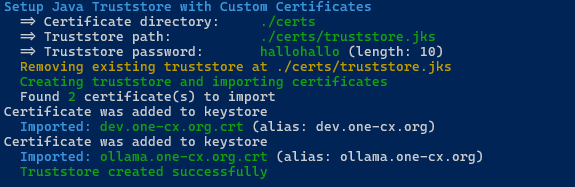
Setup Java Truststore with Custom Certificates
The setup-truststore.sh script is used to create or update a Java Truststore containing custom certificates needed by Java applications running inside Docker containers in the OneCX Local Environment.
The script can be run from the root directory of the onecx-local-env repository:
./setup-truststore.shInstructions for preparing the Java Truststore with your certificates can be found under Custom Certificates.
Available Options
The script accepts several optional options to customize its behavior. Some options can be combined. The options are:
- -d <directory>
-
Certificate directory, default: './certs'
- -h
-
Displays help information about the script and its available options. If used then all other options are ignored.
- -p <password>
-
Truststore password, length > 5, default: 'trustjava'
Examples
Create truststore with default settings
A Java Truststore is created at the default location with the default password. The script looks for certificates in the default directory ./certs and imports all found certificates into the truststore.
./setup-truststore.sh