Stop local OneCX
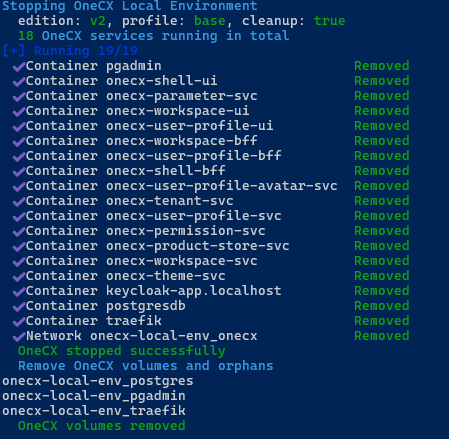
The stop-onecx.sh script is used to stop the OneCX Local Environment. It can be run from the root directory of the onecx-local-env repository. Here the command for stopping the essential services without removing data:
./stop-onecx.shAvailable Options
The script accepts several optional options to customize its behavior. Some options can be combined. The options are:
- -c
-
Cleans up all volumes associated with the OneCX Local Environment when stopping the services. This will remove all data stored in the volumes, so use this option with caution. (Default: disabled)
Deletion only occurs if the service shutdown was completely successful, meaning no services are still running. This prevents data loss in case of problems during shutdown. This is the case, for example, if all OneCX services have been started, but only the base profile is stopped.
- -e
-
The edition of OneCX to stop. This must match the edition that was used to start the environment. Supported editions are:
-
v2(Default). -
v1
-
- -h
-
Displays help information about the script and its available options. If used then all other options are ignored.
- -p <profile-name>
-
The profile to use when stopping the environment. This must match the profile that was used to start the environment. The supported profiles are:
-
base(Default) -
all
-