OneCX Docs: Set up Local Environment
To preview and test your documentation changes locally, set up the documentation environment as following:
Get and Build the Docs
-
Clone the OneCX Docs repository
git clone git@github.com:onecx/docs.git -
Go to
docsdirectory. -
Install Node modules
npm install -
Install Antora CLI if it is not already installed
npm install --global @antora/cli @antora/site-generator-default -
Create Docs site initially
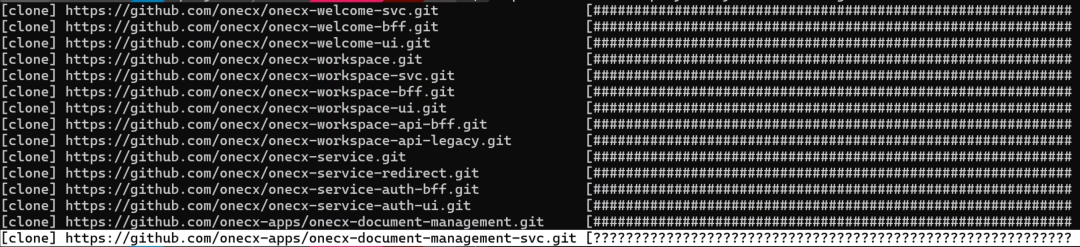
npx antora --fetch antora-playbook.yml 2> site.logsite.logcontains the log output of the build process. Check it for errors. -
Open build result in Browser
./build/site/index.html
Integrate a local Module
-
Create a local copy of Antora Playbook
cp antora-playbook.yml antora-playbook.local.yml -
Use the local module path in the local Antora Playbook
In this example, the local path
/home/henry/onecx/docs/docs-guides-uiis used instead of the remote URL for thedocs-guides-uimodule.#- url: https://github.com/onecx/docs-guides-ui.git - url: /home/henry/onecx/docs/docs-guides-ui branches: [HEAD] start_path: docs -
Create Docs site with local Module (without fetching remote modules)
npx antora antora-playbook.local.yml 2> site.log
Check for Errors
Make sure to check the site.log file for errors during the build process.
-
Search for entries related to your local module.
If there are issues with the local module, look for error messages such as "module not found" or "invalid content". -
Ignore entries about Quarkus and BFF if not relevant.
If you add new modules, verify the navigation structure in the built site.